Name your image files with short, descriptive, lowercase words separated by hyphens: three to six words, the most important word first, no spaces or underscores. Something like indigo-textile-landscape-series-02.jpg beats IMG_4892.jpg every time. That is the whole rule, and most of this guide is the detail behind it.
It takes about ten minutes per gallery to set up, and you do it once per body of work. The honest part: file names matter most in Google Images, and much less in ordinary web results, where alt text and the words around the picture carry more weight. But a file name is the one piece of metadata you control before the upload button ever gets clicked, and on several platforms the upload is where you lose control of it.
If you only remember one thing about how to name image files for an art website, use this list:
- Lowercase only. Every time.
- Hyphens between words, never spaces or underscores.
- Three to six words, no more.
- Subject first, then technique, then series, then a number.
- No dates with slashes, no
#, no%, no emoji. - Describe what is actually in the picture, not who made it or when it was photographed.
What follows is the process I use, worked through with real art-world examples so you can copy the pattern rather than admire it.
Table of Contents
- What You Need
- Step-by-Step: How to Name Image Files for an Art Website
- 1. Choose a Clear Filename Structure
- 2. Apply a How to Name Image Files for an Art Website Formula
- 3. Use Consistent Formatting and Safe Characters
- 4. Match Each Filename to Its Visible Content
- 5. Add Alt Text Separately
- 6. Rename, Upload, and Test
- Common Mistakes
- Frequently Asked Questions
- Should image file names be lowercase?
- Does renaming an image after uploading change its website URL?
- How should I name files for different views of the same artwork?
- Should I include the artist name or focus keyword in every filename?
- What is the best file format for images on an art website?
- Conclusion
What You Need
Four things, and none of them expensive.
A copy or export of each image. Work on the export you will actually upload, not the master file. Renaming your only copy of a 600 dpi scan because a CMS rejected it is a bad afternoon.
The artwork title and date. Your own records, your inventory sheet, the label on the back of the frame, whatever you use. You cannot name a file descriptively if you cannot remember what the piece is called.
A written pattern. One line, in plain words, that anyone could follow without asking you. The people who inherit a messy archive are usually you, five years later, on a Sunday afternoon.
Access to your media uploader. Whether that is the WordPress media library, the Squarespace asset panel, or a folder you drag into Wix. Knowing which one you have matters, because each handles your file name differently after the upload.
Optional but useful: a filename log. A plain spreadsheet with the old name, the new name, and the page it lives on. If you ever rename something already published, that column saves you an afternoon.
Step-by-Step: How to Name Image Files for an Art Website
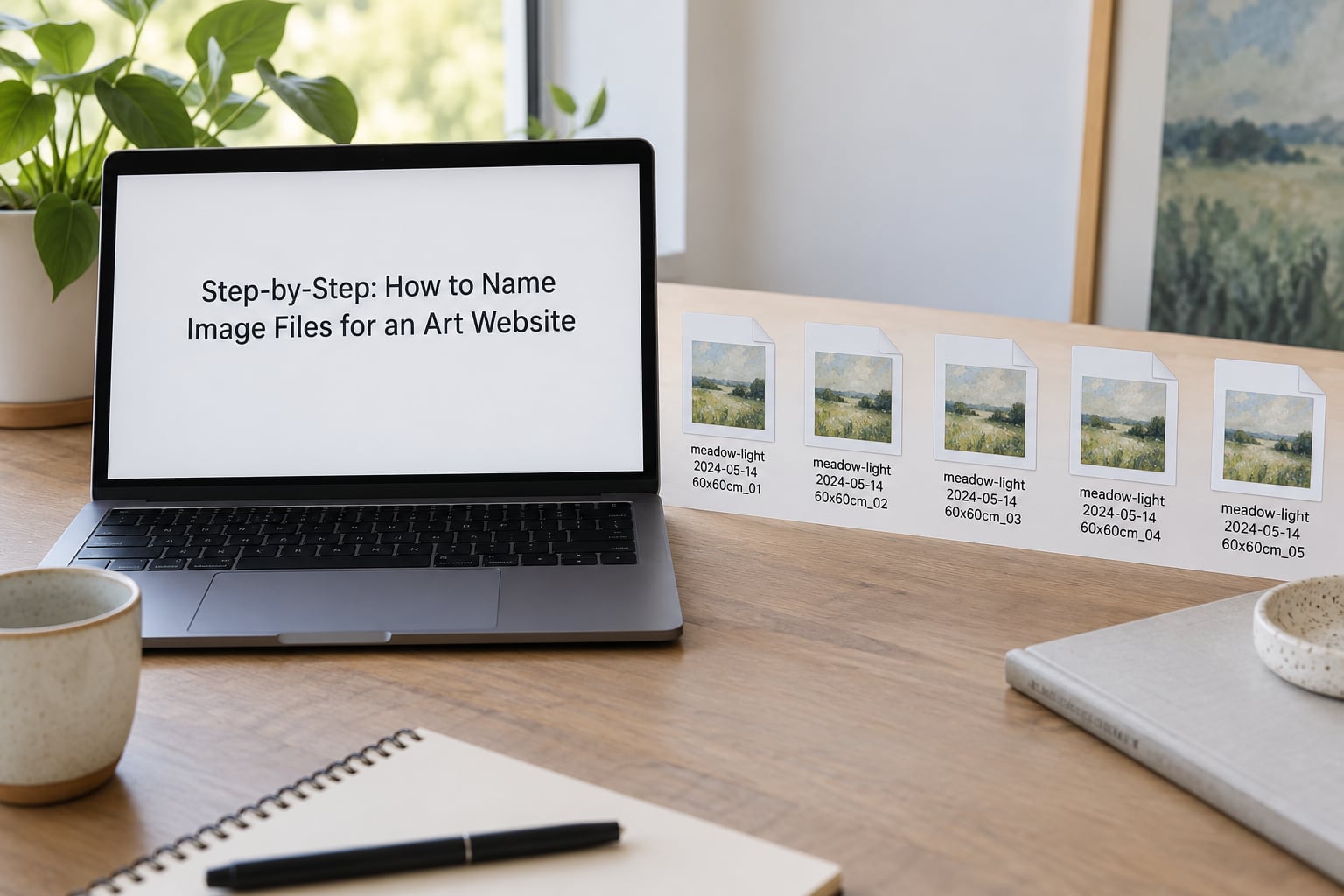
Six steps, in order. Do them once for a series and the whole gallery moves at the same speed.
1. Choose a Clear Filename Structure
A good filename structure for an art website runs from most to least important: what the work is, what it is made of, what series it belongs to, then a number to hold the place. The order matters because the opening words of a file name carry the most weight when a search engine reads the image URL.
Strong: harbour-lights-collagraph-tidal-series-04.jpg
Weak: IMG_4892.jpg
Weak because it says nothing. Weak also if you write 2024-03-11_1043_final_v2.jpg, which spends four of its five words on when your camera fired and how many attempts you needed.
The number at the end is not decoration. It is what keeps detail crops, alternate crops, and installation views from collapsing into four identical files named harbour-lights.jpg.
2. Apply a How to Name Image Files for an Art Website Formula
The formula: subject-technique-medium-series-number.jpg. That order answers how to name image files for an art website in one line. Skip any segment you do not need, but keep the order. If you only write the formula once, write it down in the same place as your inventory sheet.
A painting:
courtyard-wet-on-wet-acrylic-terrace-series-07.jpg
A quilt:
harvest-moon-applique-cotton-quilt-fields-series-12.jpg
A wood cutout:
heron-scratchboard-birch-woodcut-wetlands-series-03.jpg
Mixed media with a subject worth naming in the file:
copper-wire-wrap-found-objects-alchemy-series-05.jpg
Keep each name to six words or fewer. Once you pass that, you are writing a description, and the description belongs in the caption and the alt text where people can actually read it.
For details, append the part: courtyard-wet-on-wet-acrylic-terrace-series-07-detail-01.jpg. For an alternate crop, change the tail rather than the front: ...-07-square.jpg. That way every variant of one piece still sorts together in a folder.
One question comes up constantly, so let us settle it: your studio archive system does not have to be thrown out. Plenty of artists track work as 2024.01_Original.Tiff, which is excellent for versions, gallery submissions, and knowing what a file is in 2031. Keep that archive exactly as it is, and let the web export be the renamed copy. Two names, two jobs. The one that goes online gets hyphens and lowercase; the one that lives on your drive keeps its inventory number and its original extension.
3. Use Consistent Formatting and Safe Characters
Formatting rules are short enough to memorise in one pass:
- Lowercase. Capital letters break nothing today, but mixed case causes duplicate-file headaches on case-sensitive servers later.
- Hyphens between words. Underscores are readable, hyphens are conventional, and mixing the two in one gallery is worse than either alone.
- Short, real words.
indigo-dyebeatsindg-d2every time, because you will not remember the abbreviation in a year. - One date format, and only when the date is genuinely part of the identity of the piece. Write
2024-03, never03-11-2024, and never a date with slashes.
| Character or pattern | What goes wrong | Use instead |
|---|---|---|
| Spaces | Browsers encode them as %20, which is ugly and unhelpful | Hyphens |
| Underscores | Read as a joiner to search engines, not a word break | Hyphens |
| Uppercase | Case-sensitive servers treat variants as different files | All lowercase |
| # and % | Reserved characters that break or truncate URLs | Remove them |
| Slash, colon, question mark | Reserved in file paths and URLs | Hyphens |
| Accented characters, non-Latin scripts | Encoding varies by browser and breaks share links | Plain ASCII words |
| Emoji | Encoding failures and unreadable file lists | Nothing |
| Long descriptive sentences | Truncated in URLs, ignored past the first few words | Three to six words |
If your title has an accent or a character outside the Latin alphabet, transliterate it in the file name and keep the accent in the visible artwork title. Madre-de-la-Luz.jpg and Madre de la Luz can coexist happily.
4. Match Each Filename to Its Visible Content
The filename, the gallery placement, and the caption should all point at the same work or the same detail. That sounds obvious, and it is exactly what breaks when a gallery gets copied from one page to another over two years.
final-final-2.jpg is not a filename, it is a confession. By the time anyone opens it, nobody knows whether it is the crop for the shop, the detail, or the one you already replaced.
Check three things on every file: the name describes what is actually visible, the number matches its position in the gallery, and the detail files carry a detail number so they cannot be mistaken for the full piece.
5. Add Alt Text Separately
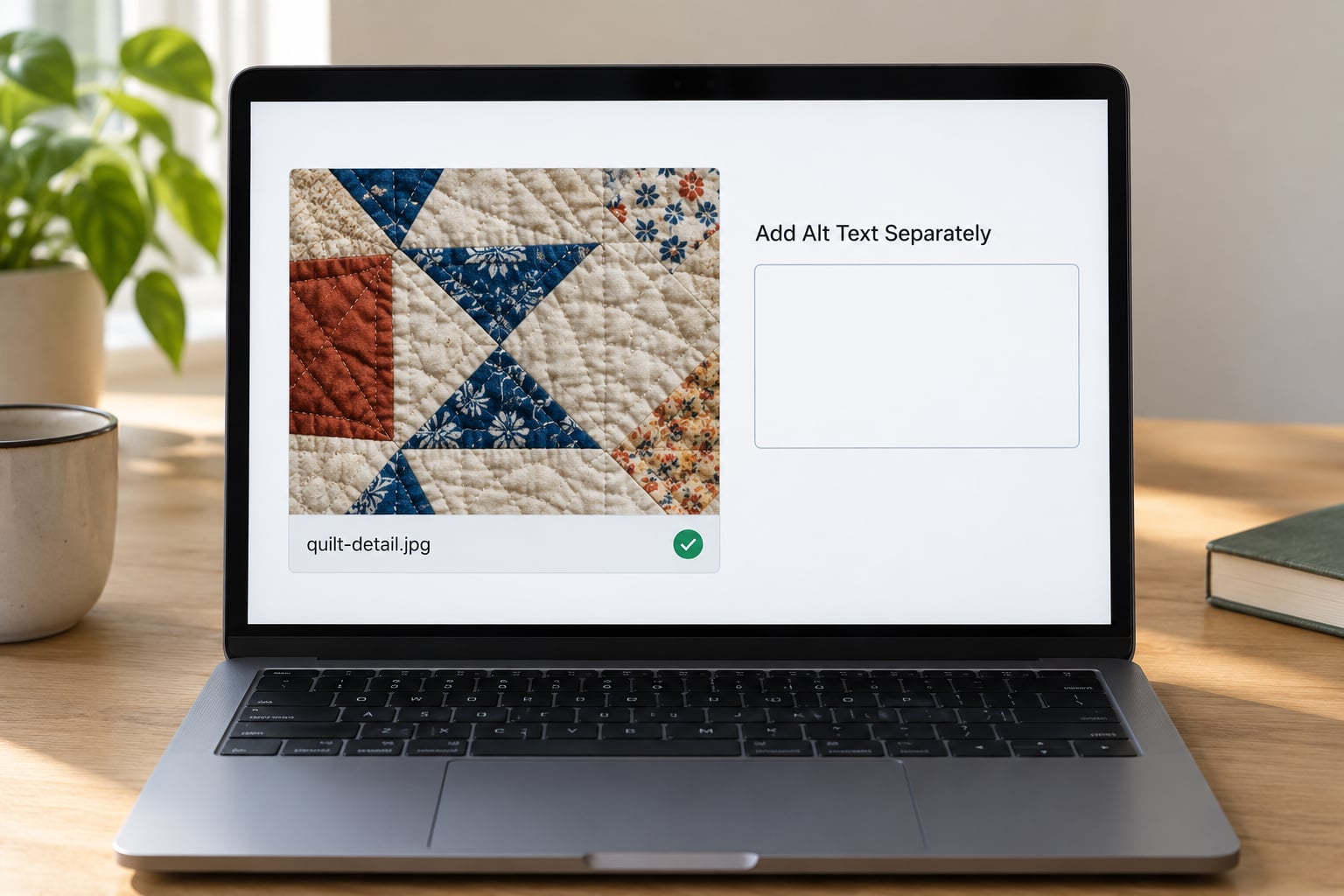
A filename is not alt text, and making them identical is the most common mistake on art websites. They do different jobs for different readers.
Alt text is the description a screen reader speaks aloud and the fallback that appears when an image fails to load. It should read like a person describing the work: Detail of an appliqued cotton quilt showing a crescent moon over harvested fields, hand-stitched in running stitch. Note what that does that a file name cannot: it names the technique, the texture, and the composition in full sentences.
Accessibility is the reason alt text matters. Search engines benefit from it second, and they do not need you to repeat the file name back to them.
| Field | What it is | Where it appears |
|---|---|---|
| File name | Short technical label, kebab-case | In the image URL |
| Artwork title | The name of the piece, your own wording | In the gallery heading |
| Alt text | Description of what is visible, for screen readers | In the page code, hidden |
| Caption | Visible note under the image, medium, size, year | On the page, in reading order |
Keep the filename short so it survives a URL, keep the caption for the collector, and write the alt text for the person who cannot see the image.
6. Rename, Upload, and Test
Rename in batches, not one at a time. Most desktop file managers let you select twenty exports, rename them as a group, and number them automatically, which takes a fraction of the time. Write the new names into your log as you go.
Always keep the originals. A renamed export is a derivative, not a replacement.
Then upload, and this is where the pattern pays off or dies, because every major platform handles your file name its own way.
| Platform | What it tends to do on upload |
|---|---|
| Wix | Replaces the file name with a random string of characters on upload in many cases |
| Squarespace | Keeps your name but cleans and URL-encodes it |
| WordPress | Keeps your name, then appends a number when a file already exists |
| Shopify | Renames and appends a size suffix when processing images |
| Etsy | Generates its own file name from the listing details at upload |
The r/WixHelp poster who uploaded a full gallery and only then noticed every file name had become a random string learned this the expensive way. Naming before upload is the only point where you still have a say, which is why the whole process lives before the upload button.
After uploading, do a quick check. Open the page, hover or inspect the image, and confirm the displayed picture matches its caption and its file name. Confirm the alt text field saved. Confirm the detail images sit under the right piece. Five minutes here catches more mismatches than a month of guessing.
What about work already published? Renaming an image changes its URL, and the old address 404s unless you set up a redirect. If a page is already getting traffic from Google Images, a 301 redirect from the old URL to the new one is the safe route. If nobody has ever clicked that image, the honest answer is that the risk is not worth the afternoon; change the file name before the next upload instead.
Two adjacent details while you are in there. Export at a sensible file size: WebP or JPEG for most photographs of work, PNG only when you need transparency, and compress before you upload because a heavy gallery slows down the page for everyone. And keep an eye on Search Console, which reports image pages separately and is the most direct way to see whether any of this is doing anything.
Common Mistakes
Eight that come up again and again, each with the fix.
- Camera defaults.
IMG_4892.jpgtells a search engine nothing. Fix: rename at export, before the file ever reaches your computer’s main library. - Spaces and underscores. Fix: hyphens, no exceptions.
- Unexplained abbreviations.
ath1-txt-d2-final.jpgmeans nothing to a person and nothing to a crawler. Fix: spell out the medium and technique. - The final-final chain. Fix: number instead.
-v3is a version;-03is a gallery position. Only one of those belongs in a published file name. - Mismatched titles. The caption names one piece and the file shows another. Fix: check the image against the caption after every gallery upload.
- Missing detail numbers. Fix:
-detail-01,-detail-02,-square. - Naming files after yourself. Leading with your name pushes the descriptive words out of the heaviest position. Fix: subject first, your name in the caption or the page.
- Treating alt text as a filename. Fix: write alt text as a full sentence about what is visible, not a hyphenated string repeated back.
Frequently Asked Questions
Should image file names be lowercase?
Yes, always. Uppercase letters cause no immediate failures, but mixed-case file names create duplicate-file problems on case-sensitive servers, where Harbour-Lights.jpg and harbour-lights.jpg are treated as two separate images. Lowercase also keeps a series of names sorting correctly in a folder, which saves time when you are looking for the fifth piece in a set. Treat it as a rule with no exceptions, including detail views and shop variants.
Does renaming an image after uploading change its website URL?
On most platforms, yes, and that is the risk. Renaming a published image changes its address, and anyone who linked to it or found it in search hits a 404. If the image already gets traffic, set up a 301 redirect from the old address to the new one and update internal links. If nothing has ever pointed at it, renaming is safe but rarely worth the time; fix the name at the next upload instead.
How should I name files for different views of the same artwork?
Keep the full name identical up to the sequence number, then change the tail. So harbour-lights-collagraph-tidal-series-04.jpg becomes harbour-lights-collagraph-tidal-series-04-detail-01.jpg for a close crop, and harbour-lights-collagraph-tidal-series-04-square.jpg for a social crop. Every variant of the piece still sorts together, and a detail can never be mistaken for the whole work.
Should I include the artist name or focus keyword in every filename?
No, not in every file. Putting your name first pushes the descriptive words out of the most useful position, and repeating a keyword across hundreds of files reads as stuffing to a crawler and looks odd to a collector browsing the URL. Name what is depicted, and put your name where it belongs: the caption, the artwork title, and the page heading. Search engines understand that structure better than a repeated name.
What is the best file format for images on an art website?
WebP or JPEG for photographs of work, which covers most galleries. PNG only when you need a transparent background or a graphic element with hard edges, and consider a smaller file such as AVIF if your platform converts automatically. Export at the size your page displays rather than the size your camera produced, compress before uploading, and let lazy loading handle the rest. A well-sized JPEG beats a beautiful enormous PNG on every page that loads.
Conclusion
The formula is subject-technique-medium-series-number, lowercase, hyphenated, six words or fewer, describing what is actually in the picture. Write it on the wall above the desk so the next export does not become IMG_4892.jpg again, and keep your inventory archive untouched on your own drive.
The fastest way to learn how to name image files for an art website is to start with five files from your most recent series. Rename them, upload them, then open the live page and check that each image matches its caption and its alt text. Once those five pass, the rest is just repetition, and your gallery is findable by people searching for the work instead of only by people who already know your URL.